Darkest Dungeon II Mods: Skins, Heroes, and Mac Fixes
Explore Darkest Dungeon II mods for hero skins, weapon kits, and combat changes. Learn about Steam Workshop, hero creation tools, and the Mac test branch.
Jump to
What Can You Change With Mods?
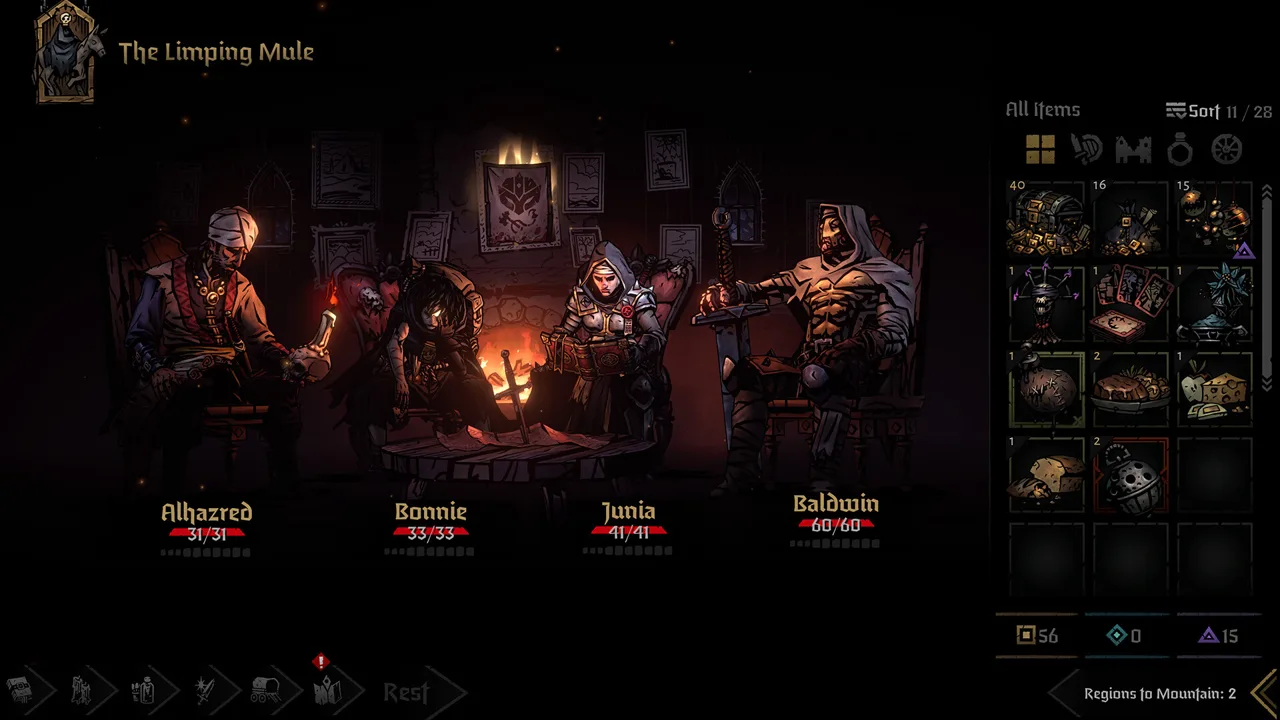
Darkest Dungeon II mods let you change hero appearances, swap weapon kits, and rework combat through community creations available in Steam Workshop. Try Detective Dismas for a Highwayman makeover or Fanatics Reignited for changes to Ignite. The Darkside Hero Creator Tool also supports building custom heroes for Confessions.
These updates expanded the tools and highlighted new creations:
| Date | Addition | What it brings |
|---|---|---|
| June 26, 2025 | Expanded character modding | Support for custom hero skins and weapon kits |
| August 7, 2025 | Darkside Hero Creator Tool update | Unlock Track support and fixes for custom Confessions heroes |
| November 17, 2026 | Week 19 - Mod Showcase | A feature on Fanatics Reignited, which introduces a Fire Up token and reworks Ignite |
The game includes Steam Workshop integration for downloading community creations and sharing your own. When browsing, distinguish between appearance changes, combat reworks, and custom heroes: each changes a different part of your next expedition.
Official page: Darkest Dungeon II (darkestdungeon.com)
Hero Skins, Weapon Kits, and Combat Changes
The expanded character tools opened up some wonderfully strange wardrobe choices. These examples give you concrete names to look for:
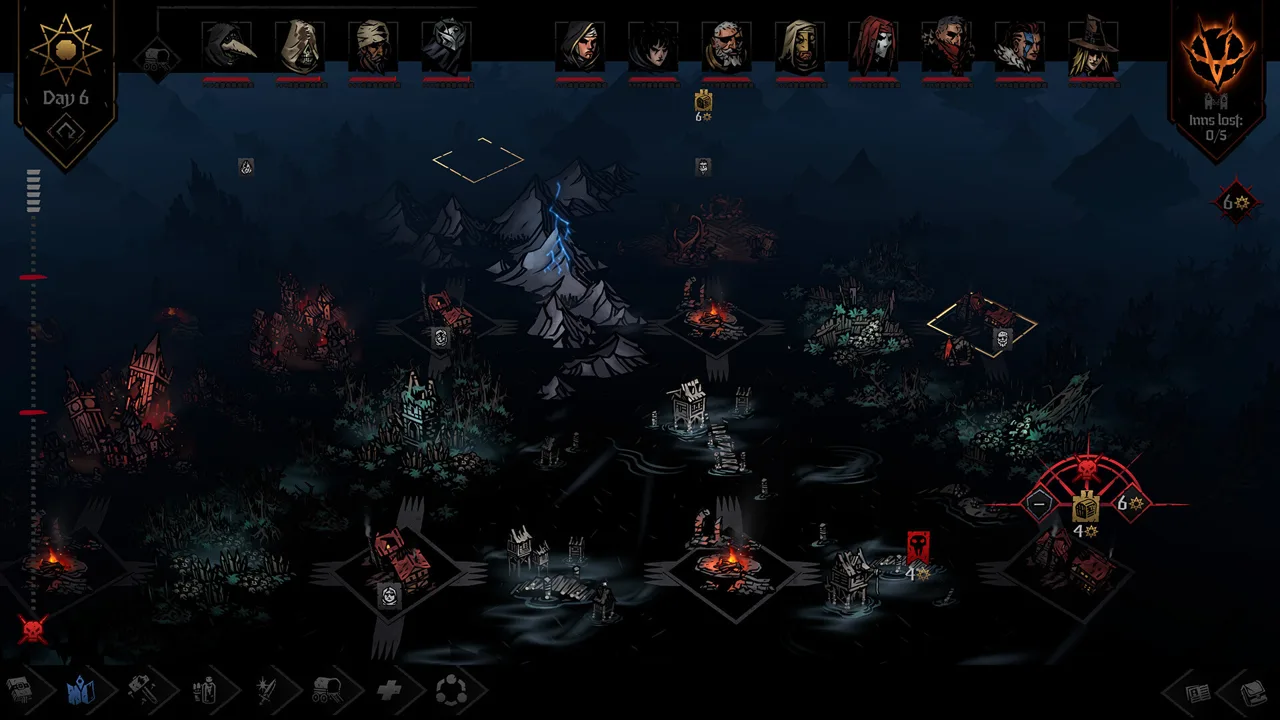 Image: Steam / Red Hook Studios
- Detective Dismas: Dresses the Highwayman as a detective.
- The Googly Mod: Gives every hero googly eyes. Even the road to the Mountain has room for a ridiculous stare.
- Armoured Vestal: Puts the Vestal in a new suit of armor.
- Darkest Fumo: Occultist: Replaces the Occultist’s skull with a little Fumo through a weapon kit.
The distinction between skins and weapon kits matters here. Detective Dismas changes the Highwayman’s outfit, while Darkest Fumo: Occultist changes the object the Occultist carries. Choose the modification that targets the part of the character you want to replace.
For a combat change, Fanatics Reignited introduces the “Fire Up” token and reworks Ignite, drawing inspiration from the Beastmen’s enrage mechanic. Look for that name when you want to explore altered enemy mechanics alongside the cosmetic options.
How to Unlock the Free Hero Origin Skins
The Hero Origin Pack is a separate, free download that adds the versions of heroes seen in the Shrine of Remembrance. Its June 26, 2025 release covered PC and Mac through Steam, GOG, and EGS.
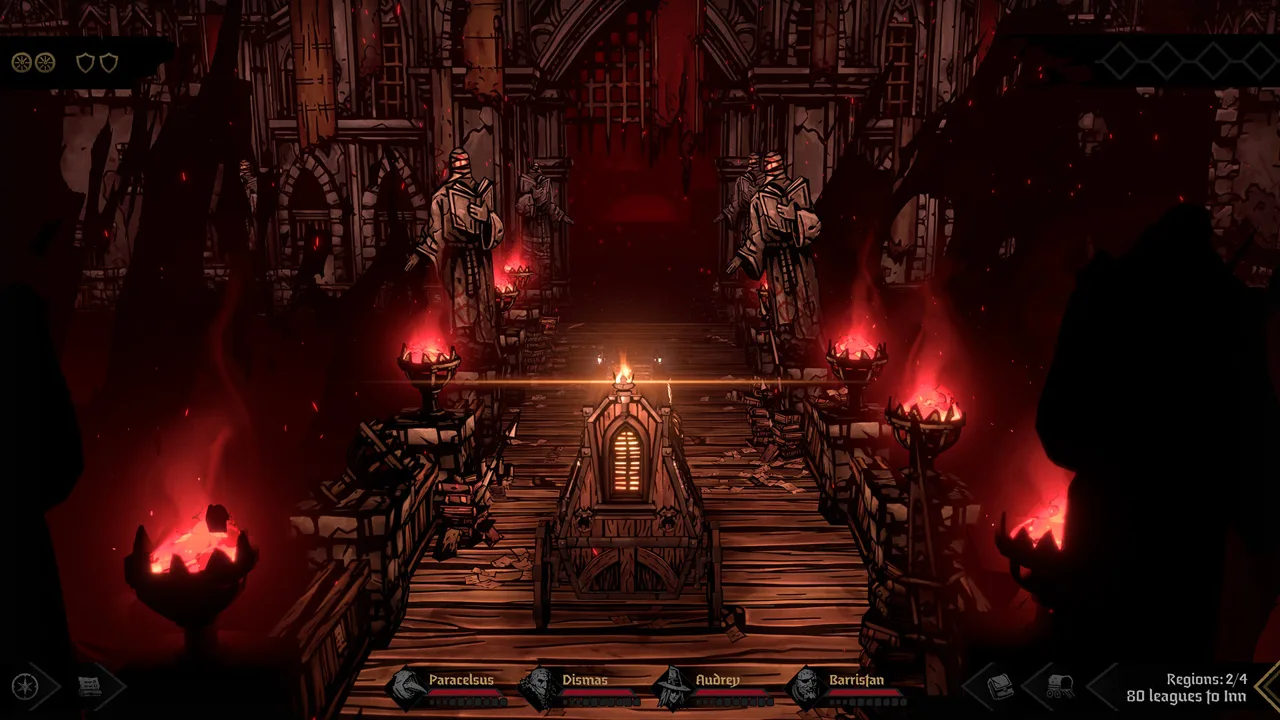 Image: Steam / Red Hook Studios
To use an origin skin:
- Download the Hero Origin Pack.
- Complete that hero’s Shrines.
- Select the unlocked origin skin in the Cosmetics tab.
Origin skins also cover DLC characters, but accessing those skins requires ownership of the associated DLC. Complete the Shrines for the specific hero whose origin appearance you want.
Creating Custom Heroes With Darkside
The Hero Creator Tool is part of the Darkside Modding project. Its August 7, 2025 update expanded the hero template and repaired missing references needed for custom characters.
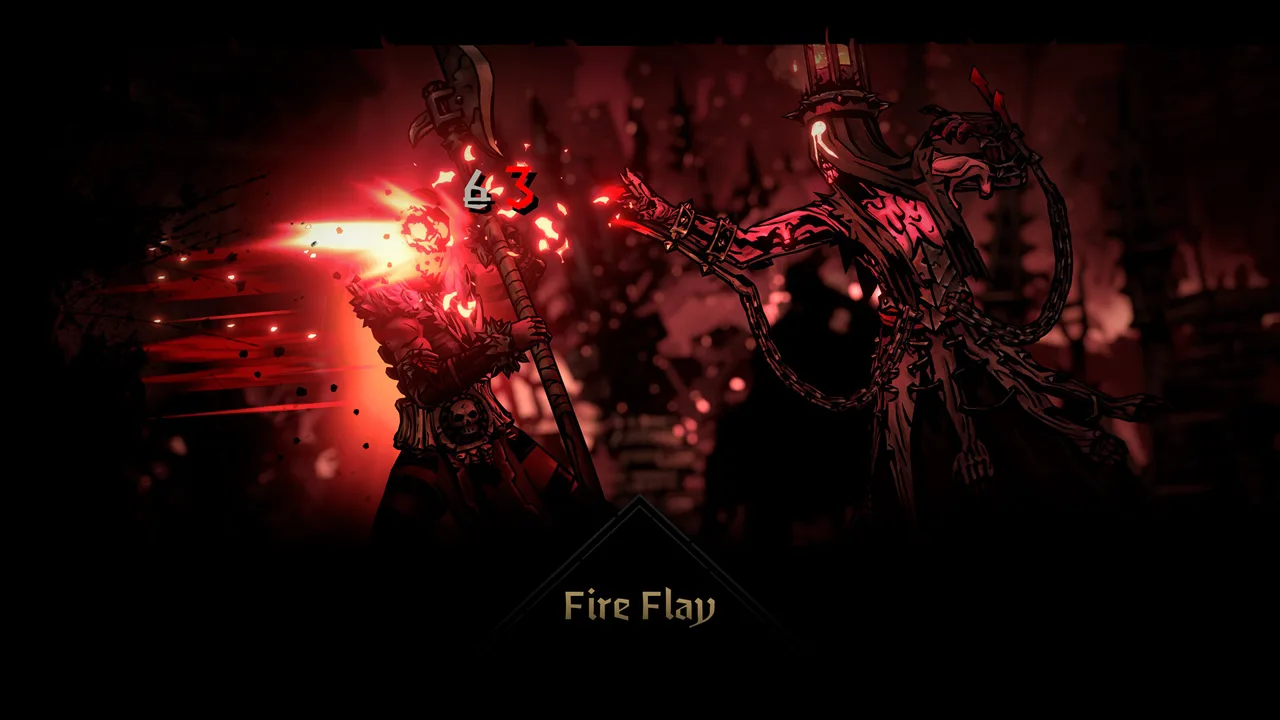 Image: Steam / Red Hook Studios
The changes include:
- Fixes for missing FMODEventTrack references on hero playables.
- Repairs to missing data and references in character death timelines.
- An Unlock Track resource that makes custom heroes appear in the Altar of Hope by default.
- The Chapter 5 boss fight Spectre.
- Additional CSV data supporting unlock tracks and the Chapter 5 boss fight.
For a custom Confessions hero, include unlock progression and the Chapter 5 encounter in your development checklist alongside the character’s playable presentation. The tool’s additions address those parts of the hero template directly.
Fixing Broken Mod Visuals on Mac
If modded visuals look broken on Mac, try the public mac_mod_test Steam branch. It contains a test fix intended to address that visual problem and requires no password.
To access it:
- Right-click Darkest Dungeon II in your Steam library.
- Select Properties…
- Open Game Versions and Betas.
- Select
mac_mod_test.
After switching, inspect the appearance that was previously broken. Send your findings to Red Hook at feedback@redhookgames.com, including whether the visuals improved or the problem persisted.
Continue with
 Darkest Dungeon II Reddit: Get Better Help and BuildsUse Darkest Dungeon II reddit searches to sharpen party builds, understand Confessions and Kingdoms, and ask better questions about combat and progression.
More in Community
See all Community
Continue exploring
Darkest Dungeon II Librarian: Boss Strategy and Loot
Beat the Darkest Dungeon II Librarian with ranged damage, Blight, and token control. Learn how to preserve book stacks, handle Categorize, and claim loot.
Darkest Dungeon II Paths: Hero Builds and Skill Guide
Explore Darkest Dungeon II paths, compare Leper and Jester builds, and learn how skill changes, unlocks, and party positioning shape your next expedition.
Join the community
Official channels for news, updates and player help: